Real clouds. Your camera.
Volumetric 3D clouds, rendered right inside After Effects.
 Watch it work
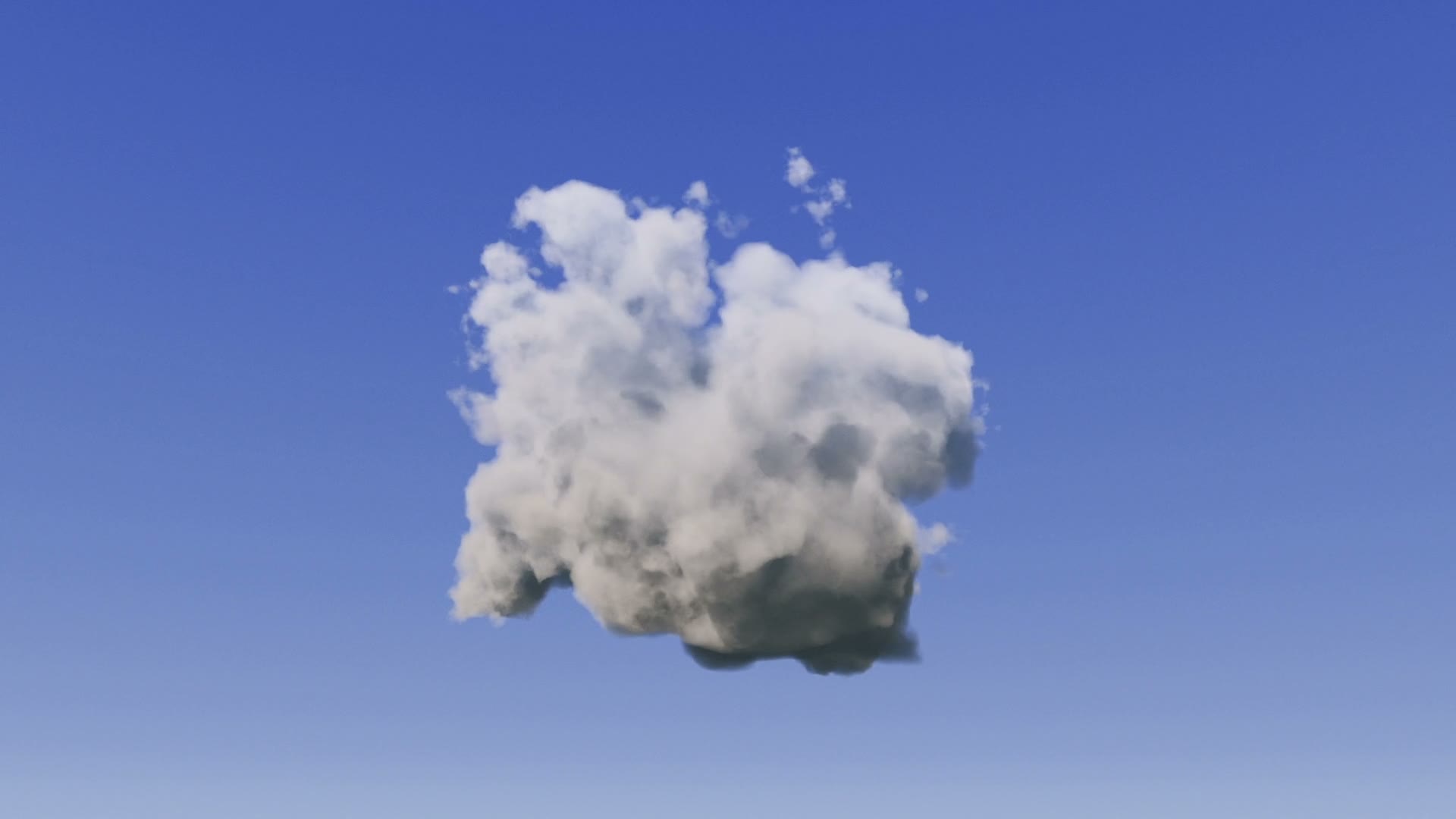
The cloud is the subject.Not a texture or a stock plate. A lit 3D volume your comp camera can orbit, push in on and fly past.
Volumetric 3D clouds and ground fog
Ray-marched every frame inside After Effects. No footage, no 3D app.
Eight presets
Cumulus to Anime Cel to Low Mist. Every value stays editable.
Reads your comp camera
Moves, turns, zoom and keyframes. Create Camera and Create Null give you layers to animate; every group has Copy and Paste, Option-click to link.
One sun, set like a key light
Two shadow colours. Keyframe it from golden hour to noon.
Photographic to anime cel
One set of controls: Shading Steps and Flat Colors.
Up to eight clouds or one fog bank per layer
With wind, evolution and 3D motion blur.
Three outputs
Sky + Clouds, Clouds Only with alpha, Composite on Original. 8/16/32 bpc, Metal, CUDA, CPU fallback, Multi-Frame Rendering.
Mist and clouds in a real shot.
The meadow as shot, then with ground mist and clouds added by AE Clouds.
Set the sun, set the sky.
Golden hour, backlit, overcast or dusk. Lighting and Sky take the cloud from one time of day to another.
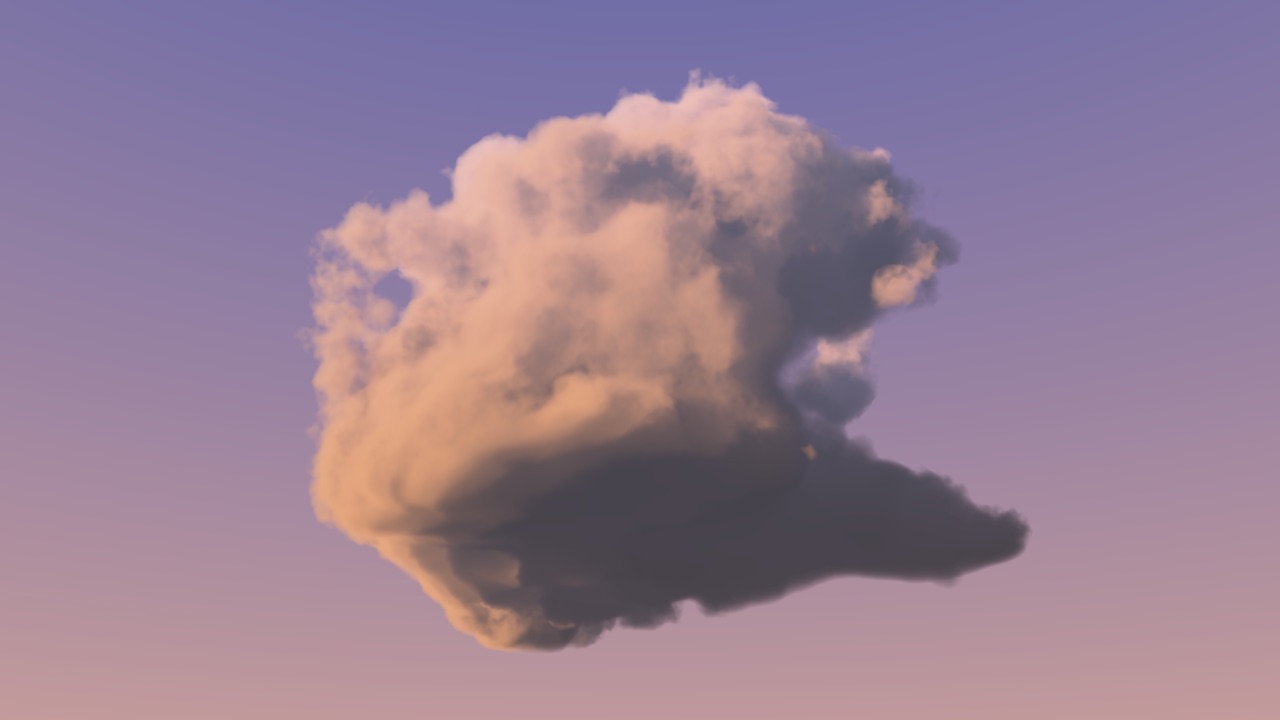
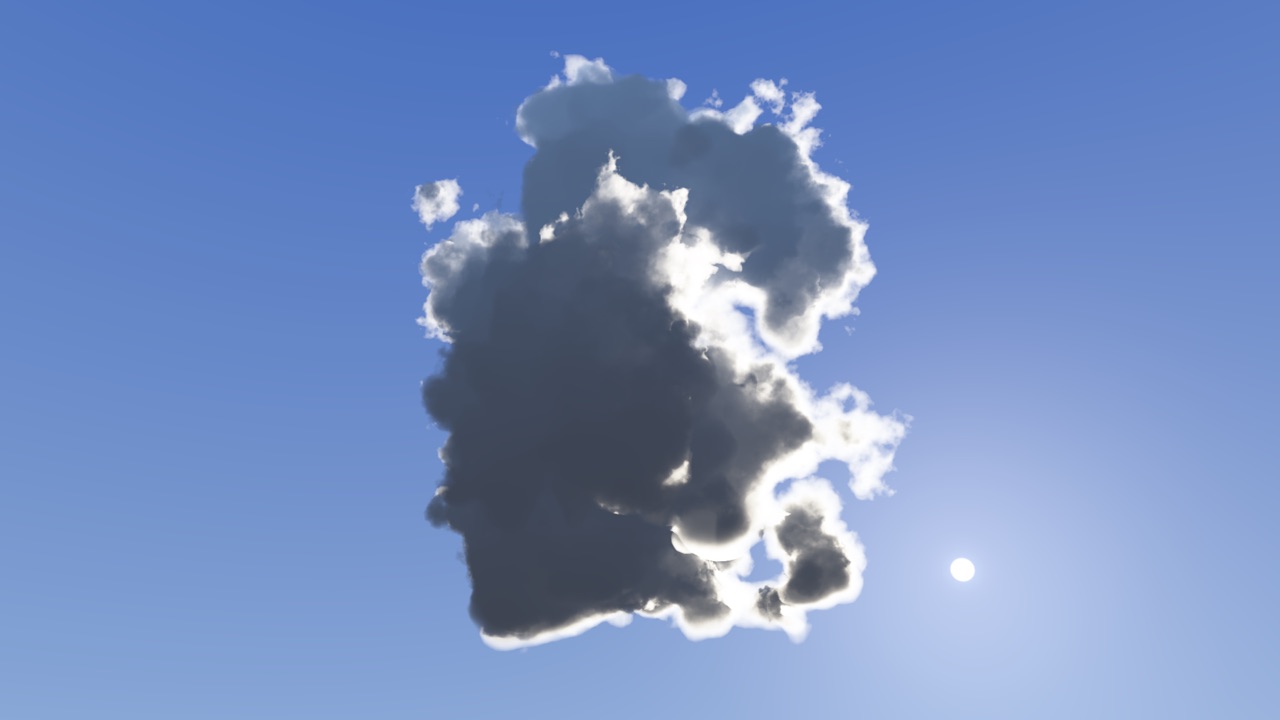
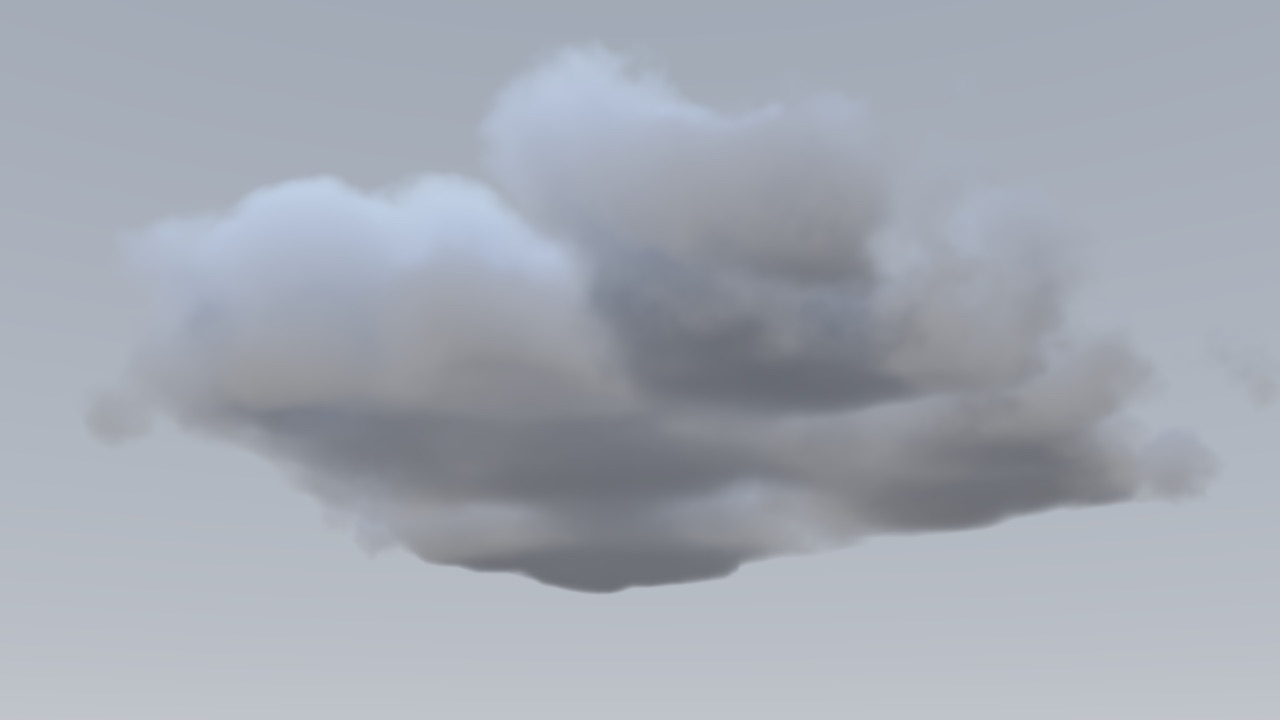
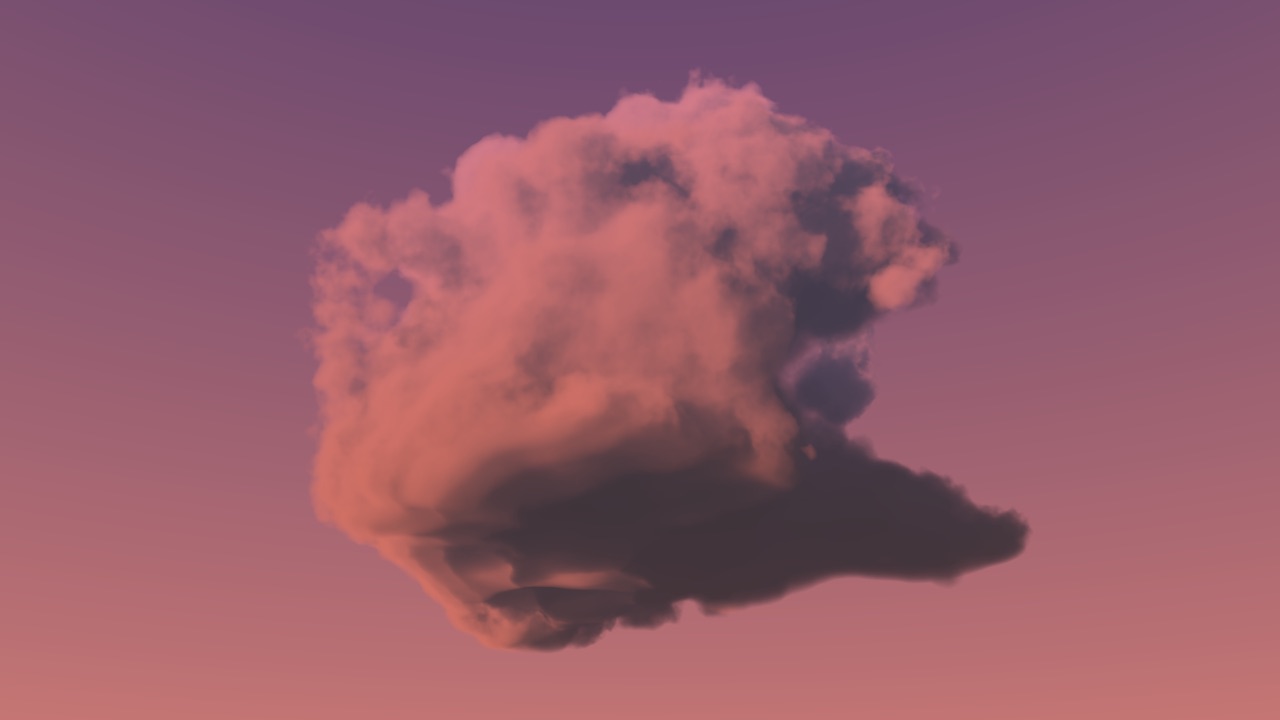
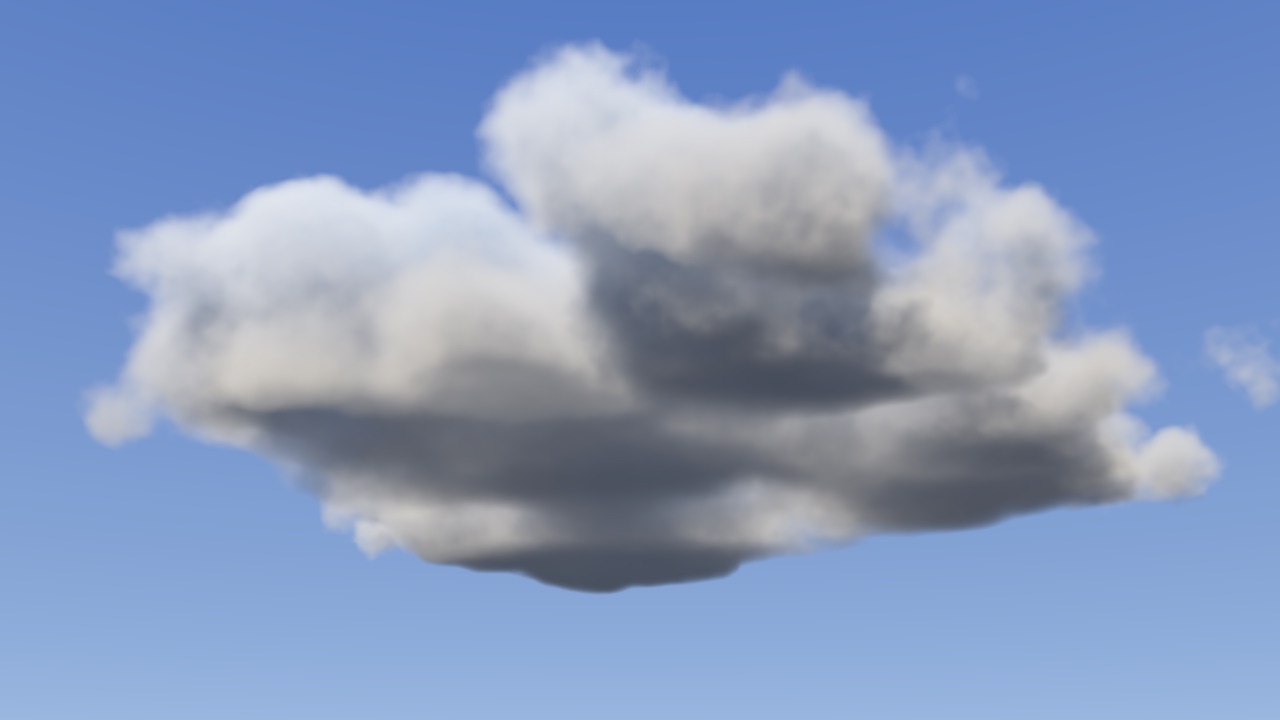
Pick a look, then make it yours.
From photographic cumulus to anime cel and ground fog. A preset places the cloud in front of your camera and sets the look. Then change anything you like.
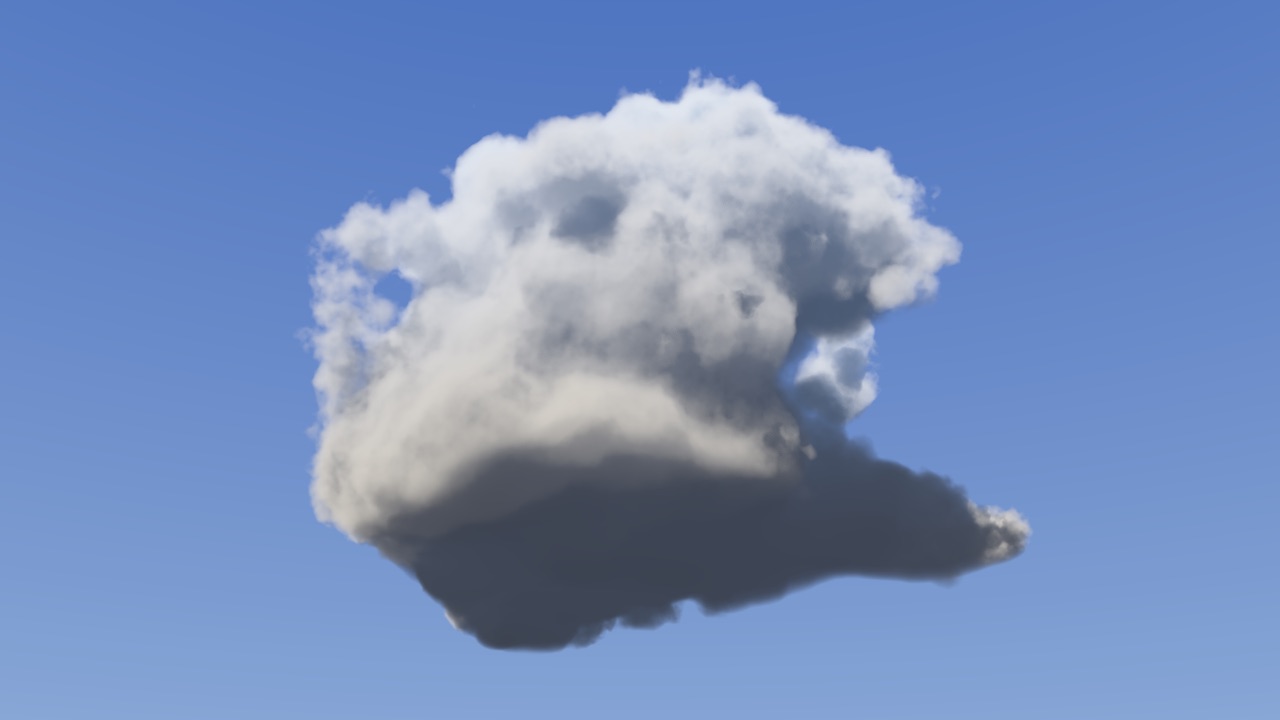
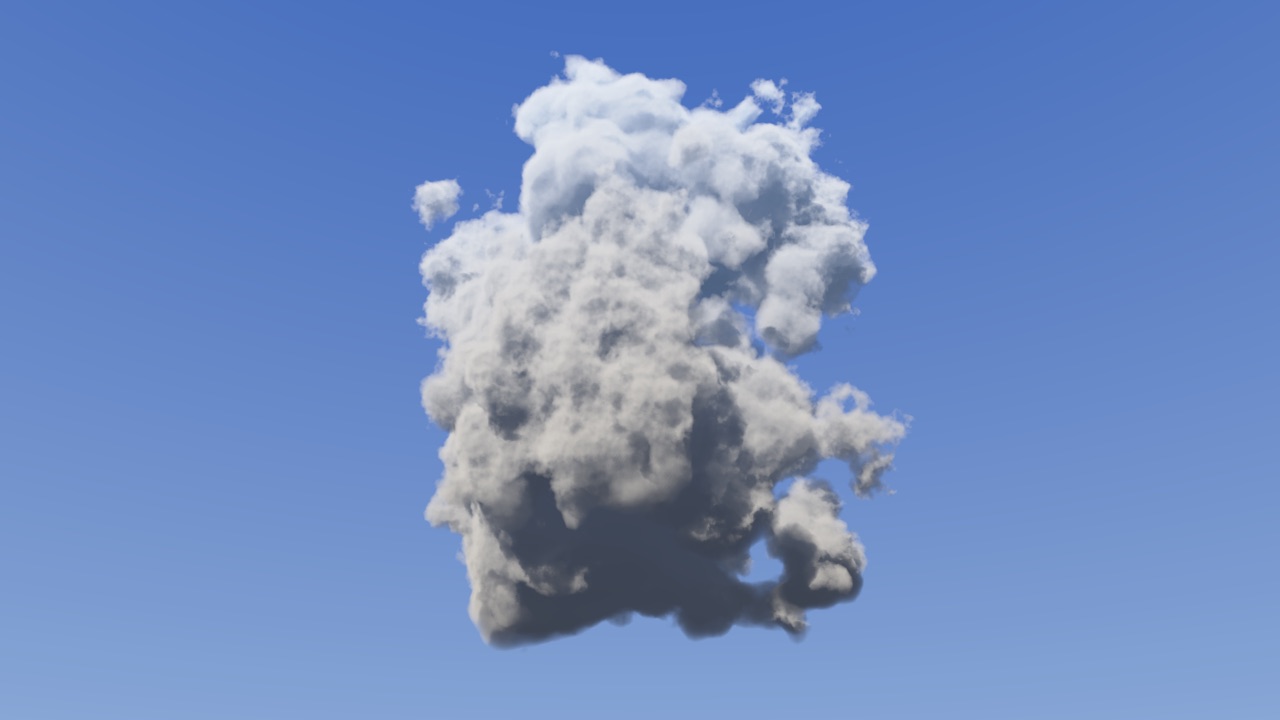
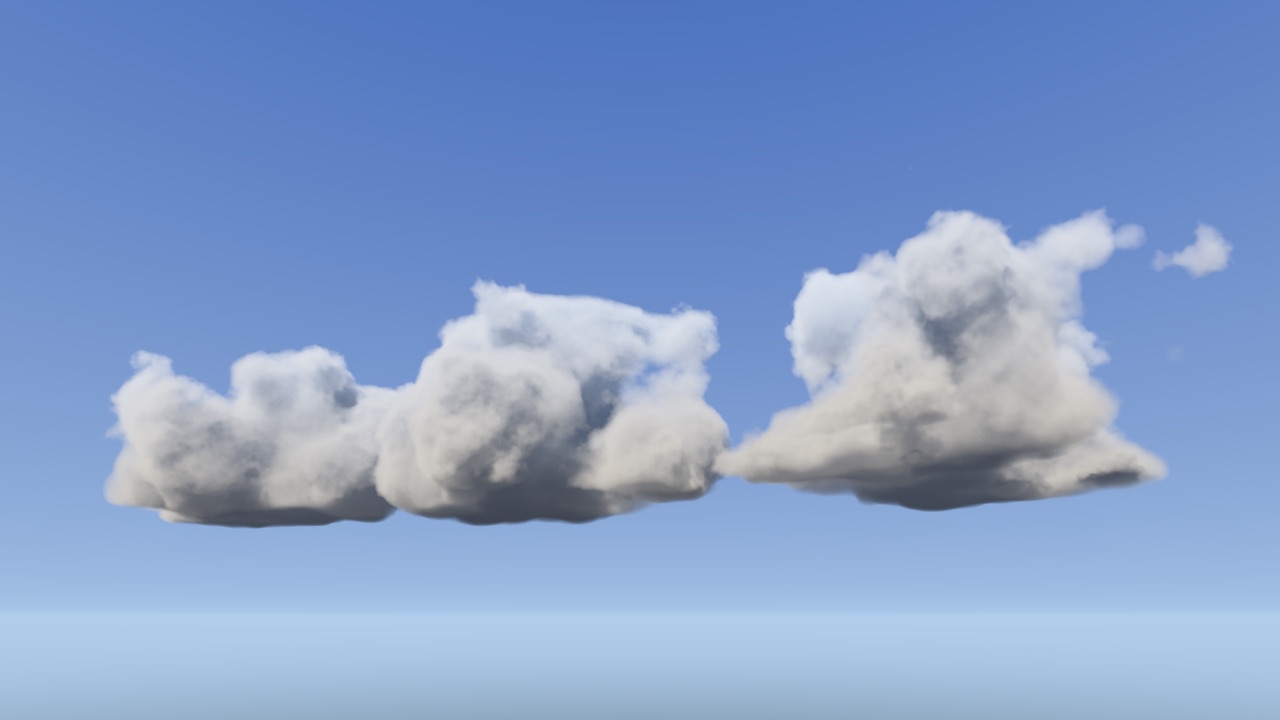
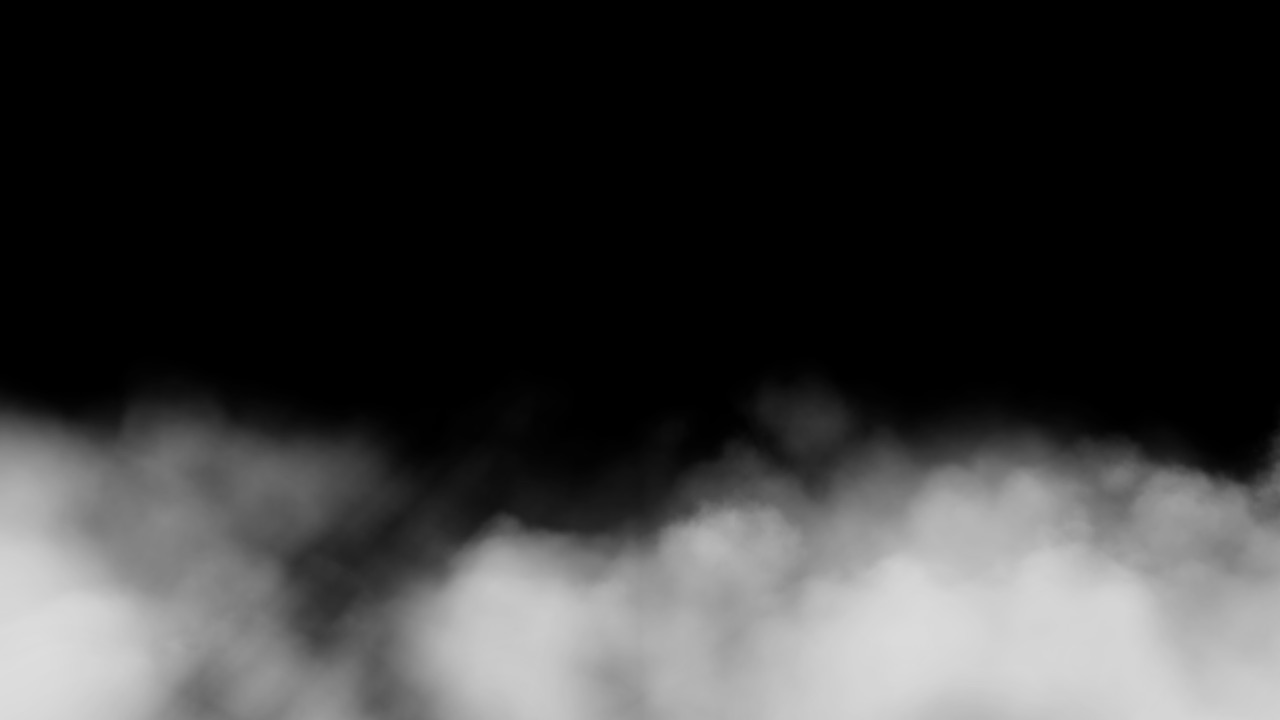
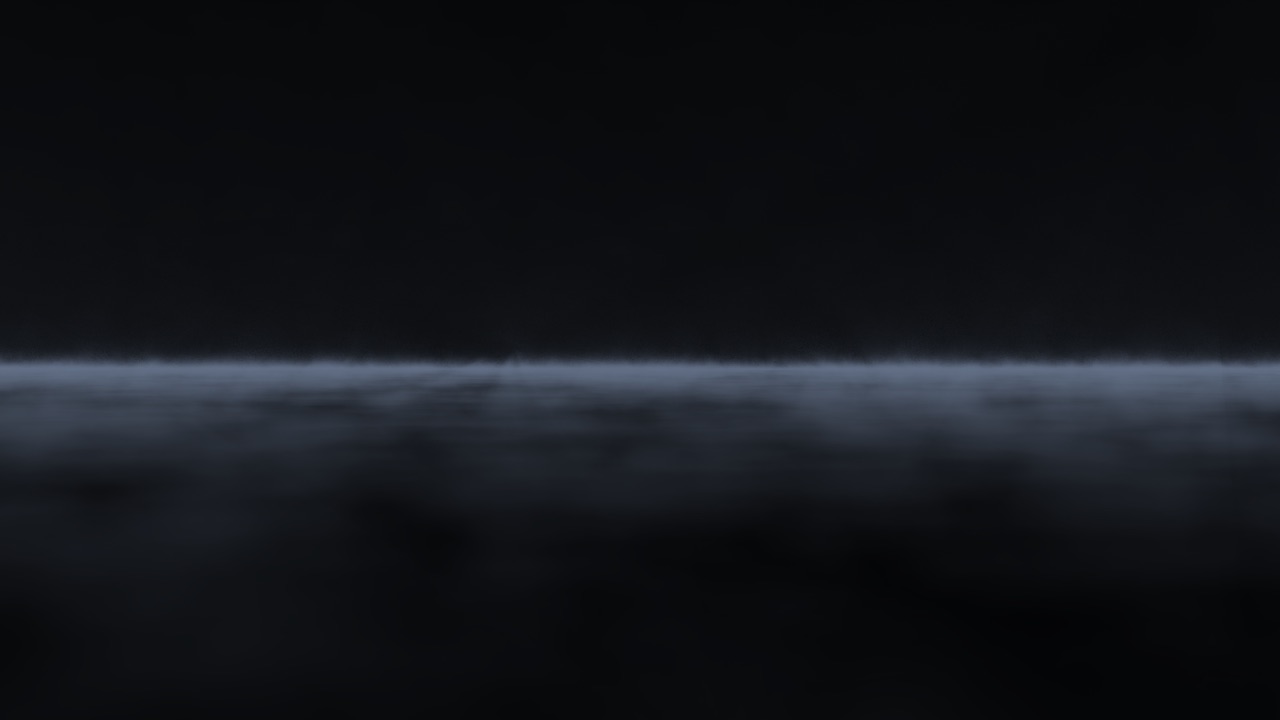
Place it, then fly the camera.
Place the cloud in metres and move it with a null. Your comp camera just works, and Create Camera makes one for you.
One sun, set like a key light.
Point the sun, colour it, and tint the shade with two shadow colours. Keyframe Sun Elevation and the same cloud goes from low warm light to noon.
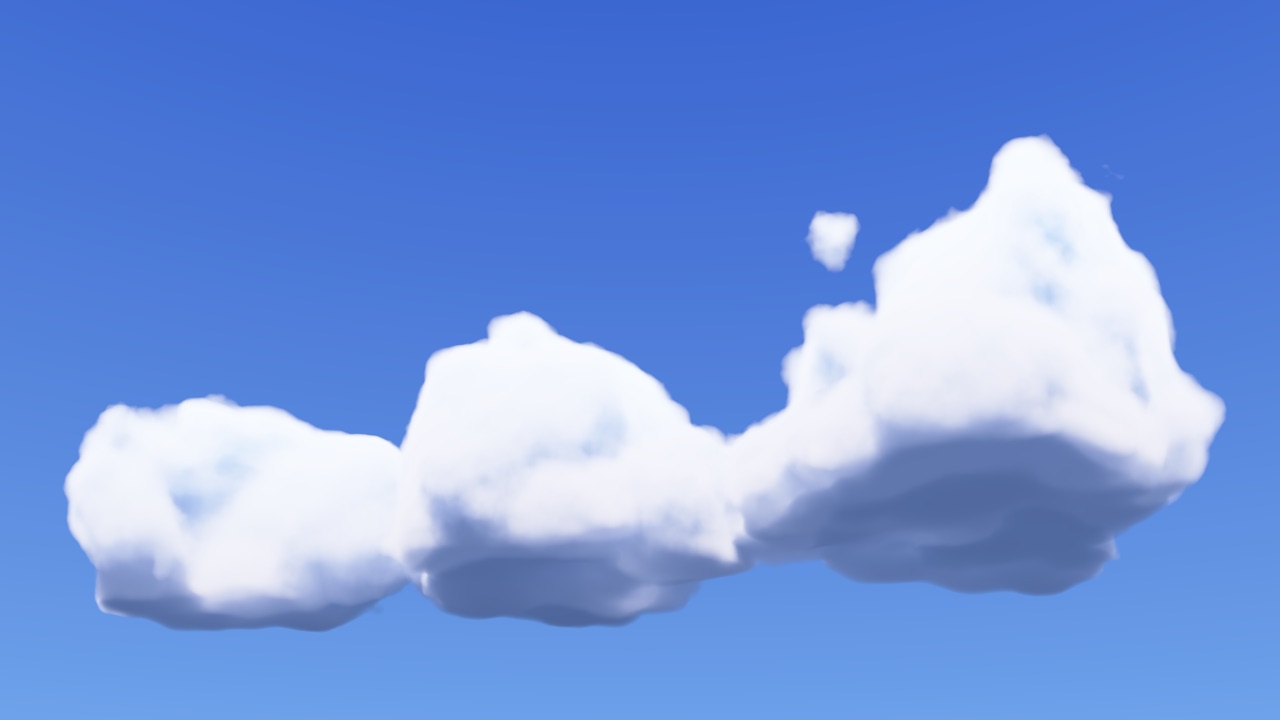
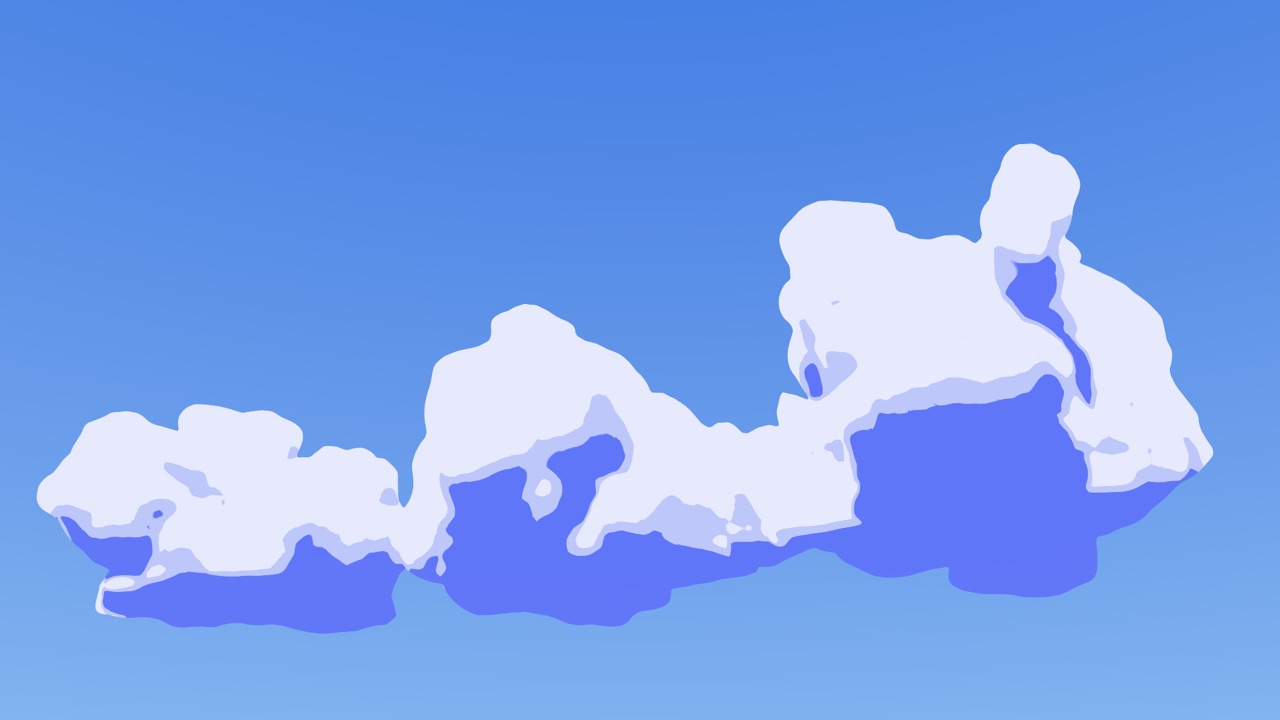
Photographic or anime, same cloud.
Shading Steps cuts the light into flat cel bands; Flat Colors paints each band your own colour. Keyframe Shading Steps and a photographic cloud turns cel mid-shot.
A cloud, or a bank of fog.
One cumulus, a group of up to eight, or a bank of fog on the ground, lit by the same sun. Ground Fog and Low Mist come out on transparency (Clouds Only), ready for your footage.
Shape the volume.
Coverage, Density, Scale, Detail and Edge Softness take it from a firm cauliflower top to a misty edge. Random Seed gives you another cloud; the rest refine the one you have.
Bigger is the same cloud.
Radius works like a zoom. Every puff keeps its place, nothing re-rolls, and the cloud evolves at the same pace at any size.
Flat-bottomed or round.
At 100 the cloud rests on a level base, like a real cumulus. Lower it and the underside rounds out; at 0 the cloud is a puff all the way round.
Solid, effect, preset, sun.
Apply it to a solid, pick a preset, move the sun. The tutorial covers the rest.
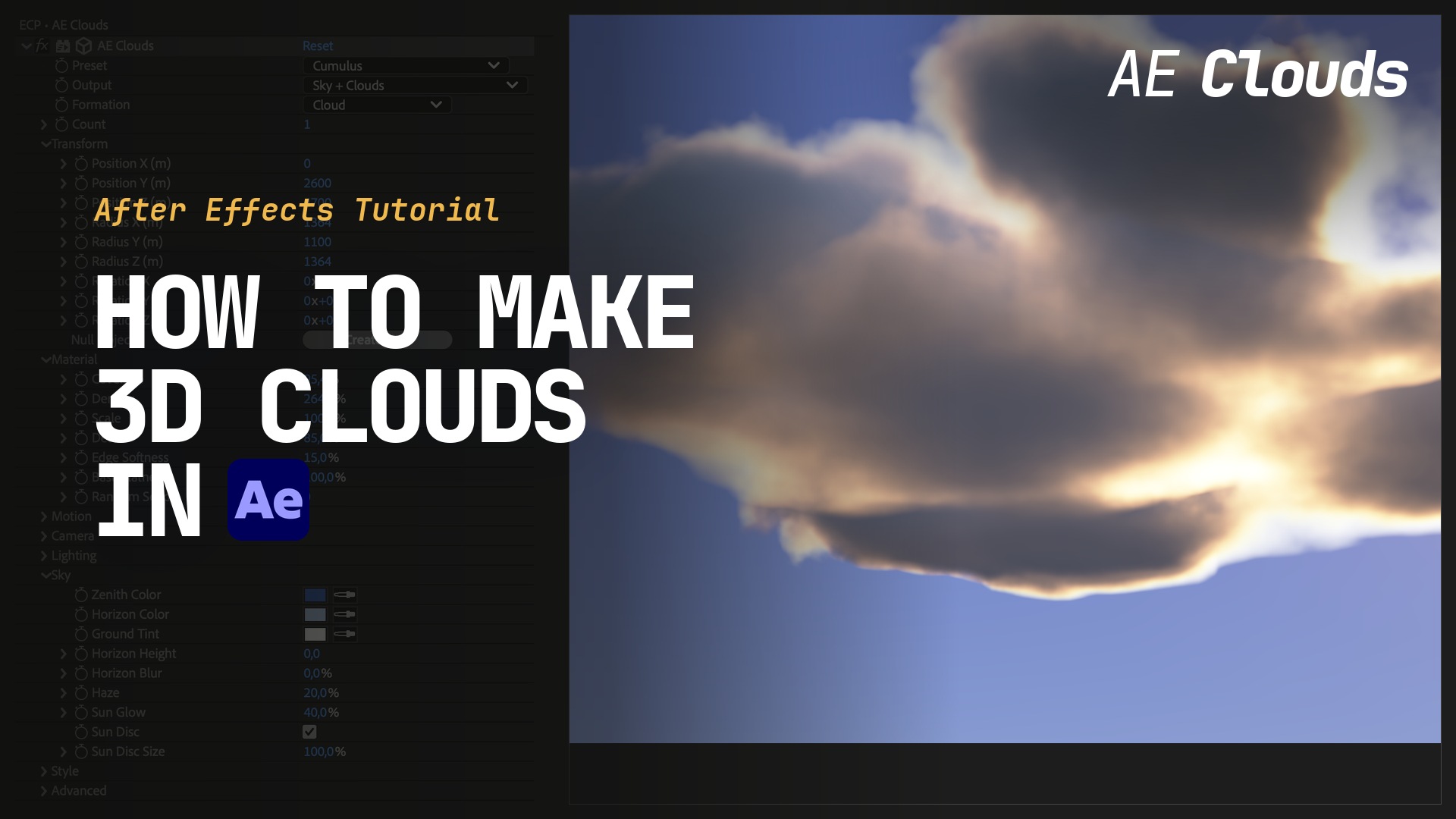 The full workflow
What runs where, and what it won't do.
- GPU: Metal on Mac, CUDA on NVIDIA cards on Windows. Other cards render on the CPU, slower.
- Included: AE Clouds Sky Match, a second effect that reads a plate's sky, sun and camera for the cloud to match, plus a PDF guide.
- Every frame is rendered, like a 3D render: under a second per 1080p frame on the GPU. Work at Draft, render at High or Ultra.
- Use a comp-sized solid so the clouds line up with the comp camera.
- It renders as a layer: it does not key your footage, and other layers sit in front of or behind the cloud, not inside it.
Outputs, motion blur, looping and the rest are in the PDF guide.
Real clouds. Your camera.
Sold and licensed through aescripts + aeplugins, who handle payment, license keys and updates.