Real glass. One drop.
Drop it on any shape, text, logo or mask and it turns to glass. Live refraction, frost, edge light and dispersion. No displacement maps, no setup.
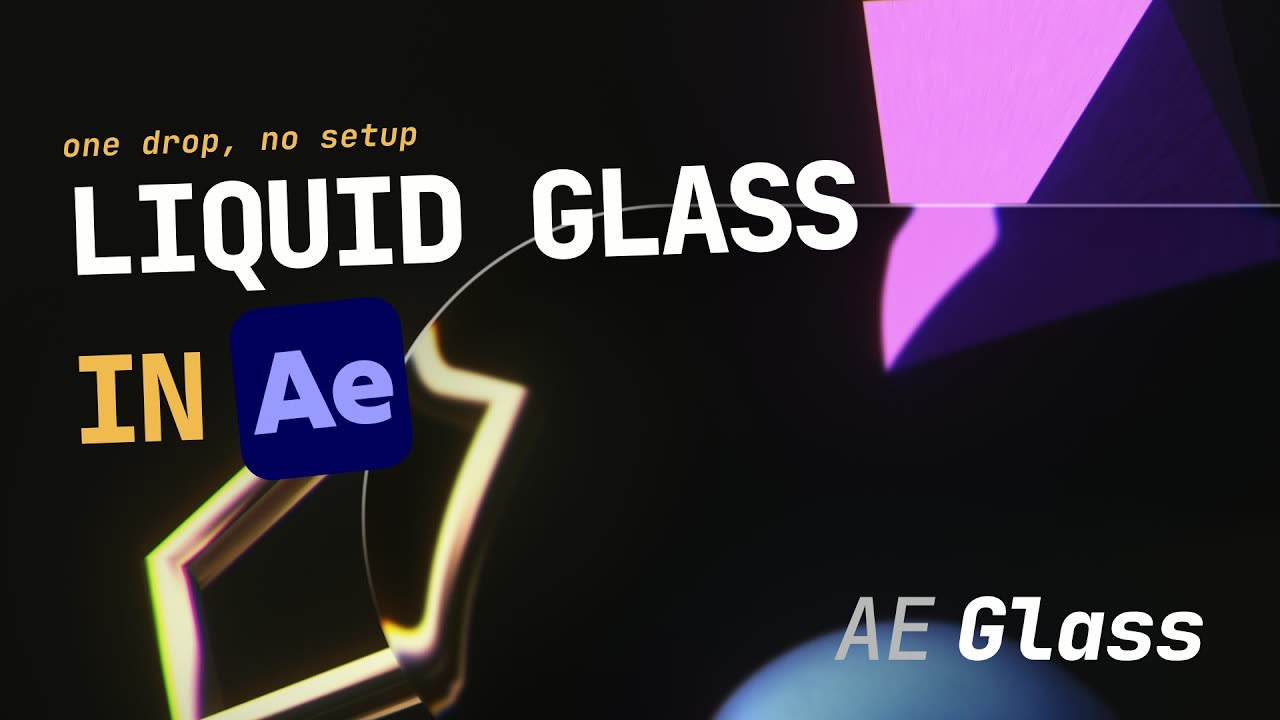 Watch it work
The Liquid Glass look,built into your layers.
Refraction
It bends and magnifies whatever sits behind it, in real time. Move the background and the glass follows.
Frost
From crystal clear to a soft, diffuse panel.
Edge light
A directional rim light catches the edge, so it reads like a real lit surface.
Dispersion
A spectral fringe at the rim, the rainbow you get off thick glass.
Drop it on (almost) anything.
Shapes, text, logos, masks, solids, even PNGs and precomps. You don't need to precompose anything, but it plays nice if you do.
Glass on 3D layers.
Flip the 3D switch and the glass follows the layer in perspective, wherever the 3D gizmo takes it.
Just sliders. Nothing to learn.
Fourteen controls in one panel, every one animatable, including a Tint for coloured glass.
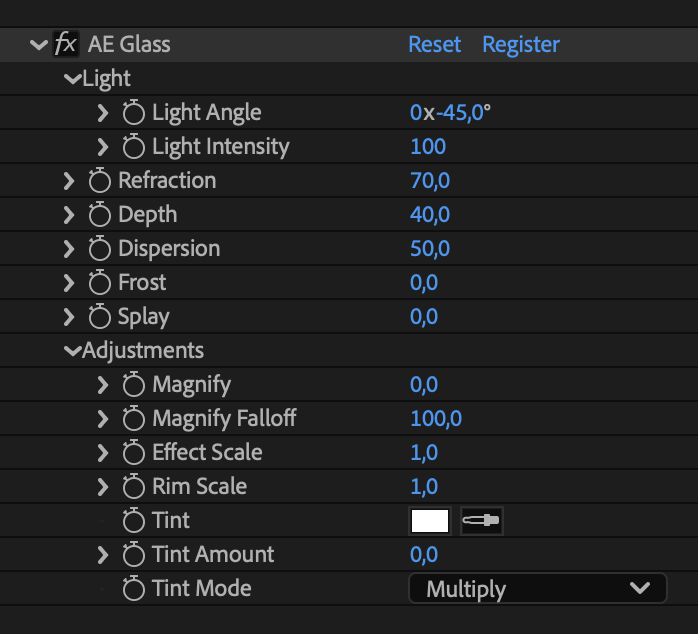
Up and running, no setup.
A tour of the panel.
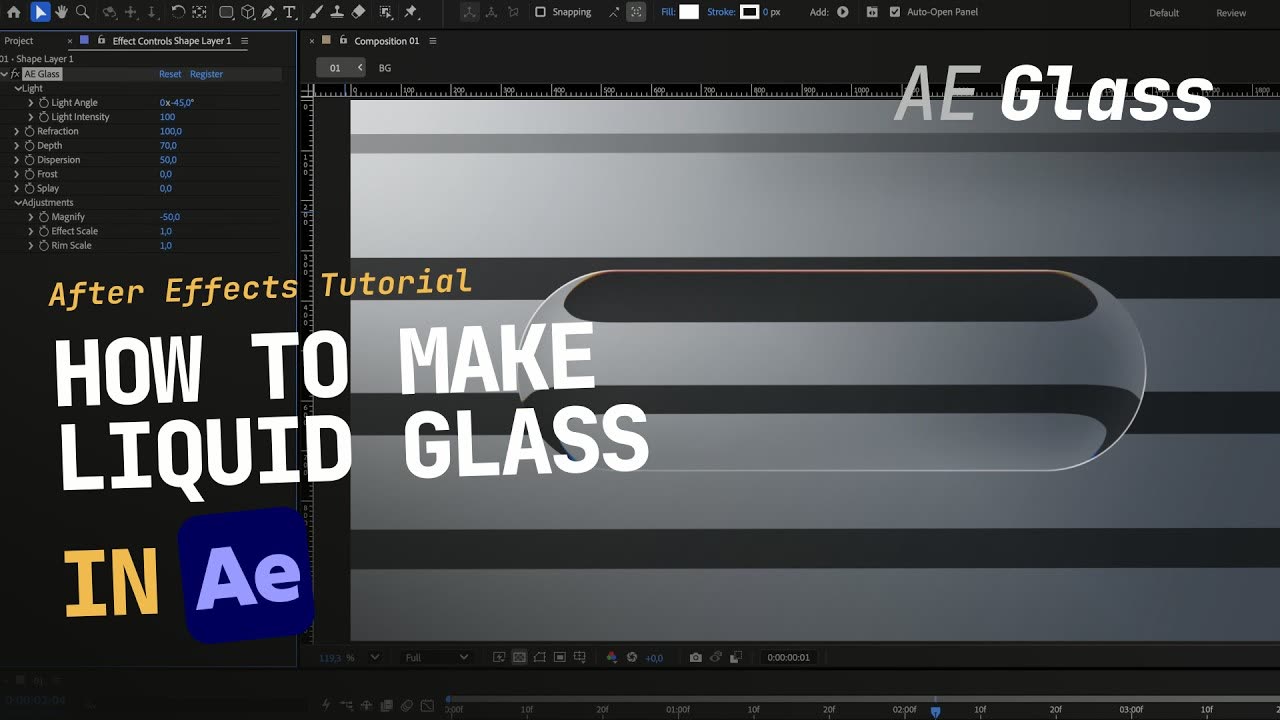 The full workflow
Native After Effects effect, no GPU required, 8 & 16-bit color. Works on any source via the Adjustment Layer switch: shapes, text, solids, masks, and layers with their own alpha (logos, PNGs, precomps).
- Strokes — won't work on their own. Shape layers need a Fill; a stroke with no fill leaves the effect only a thin outline to work from, not a shape.
- Adjustment Layer required — the effect refracts the layers below, so the host layer's Adjustment switch must be on. With it off, the layer renders through unchanged (and the effect reminds you).
- Track mattes — a track matte on the glass layer replaces the layer’s own shape instead of combining with it. Use a mask on the glass layer instead.
- Path operators — Offset Paths (as a +R/−R pair after Merge Paths) and Round Corners are read. Zig Zag, Wiggle Paths, Pucker & Bloat, Twist and Repeater are not; precompose the shape and the glass follows its alpha.
Real glass. One drop.
Sold and licensed through aescripts + aeplugins, who handle payment, license keys and updates.